Dreamlab
Case study
- Role
- Designed and built end to end:
Product concept
UX research
UX/UI design
Full-stack development - Type
- Academic project,
SAE Institute - Timeline
- Jan–Apr 2026
- Tools
- Figma
VS Code
Claude Code
HTML
CSS
JavaScript
Flask
MySQL
Chart.js
GitHub
What is Dreamlab
Dreamlab is a digital platform designed to help dream researchers, sleep specialists, neurologists, and mental health professionals track and analyse patients' dreams to explore potential triggers and gain deeper insights into the causes of sleep-related conditions.
Why Dreamlab
"It is a common experience that a problem difficult at night is resolved in the morning after the committee of sleep has worked on it."
Dreams have always fascinated me. We spend around two hours dreaming every night, even if we don't remember it. I believe they are often underrated, even though they hold profound psychological value. They help us process emotions and consolidate memories, and offer insights into sleep disorders, trauma, creativity and subconscious conflicts.
There is a lack of clinically focused platforms for professionals researching and working on dreams.
I reviewed many dream journal applications and websites currently available in the market. Although many of them are highly developed and offer impressive features, I noticed that they are primarily designed for individual users. Existing platforms are not tailored specifically to the needs of professionals who work on dreams, such as psychiatrists, researchers and neuroscientists.
Who it's for
Specialists, such as psychologists, neuroscientists and oneirologists, who conduct dream research and need consistent, structured dream data from their patients.
Individuals living with sleep disorders or mental health conditions who are asked to keep a record of their dreams.
Pain Points
01
Patients record their dreams in phone notes or on paper, making them difficult to organise and keep secure.
02
They skip details, or can't describe the dream, so specialists miss what they need.
03
Researchers spend hours sorting unstructured reports, open to interpretation bias.
Personas
“I wish I had more control over what happens during my sleep.”
Matthew, 63, is a teacher in Devon with REM sleep behaviour disorder. He acts out his dreams, sometimes hitting his partner. His doctor wants a consistent dream record; he never knows what to write.
“I want to spend my time on therapy, not paperwork.”
Nora, 42, is a clinical psychologist in Munich who uses EMDR. Dream notes reach her through messages, emails and handwriting, and sorting them is a job of its own.
The problem
Patients often struggle to accurately recall and record their dreams, making it difficult for researchers and mental health professionals to collect consistent and structured data for analysis.
Research
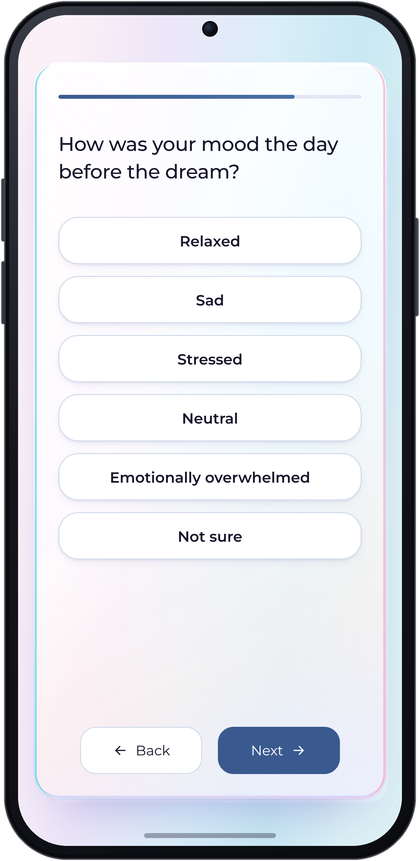
I conducted remote qualitative surveys to understand the challenges users face when recording and recalling their dreams. My main focus was to identify which details matter most in dream tracking and how they could be collected effectively for research purposes.
Methodology
01
Desk research
I read forums, research articles, expert publications and dream databases. They provided insights into the language people use to describe their dreams and the gaps professionals identified, which became the starting point for developing my personas.
02
Remote qualitative surveys
I sent out questions via Google Forms, one form for potential patients and another for clinicians and mental health professionals. I gathered responses from 3 potential patients and 8 clinicians. I also ran informal sessions with classmates. They weren't the target audience, but they still provided me with valuable insights.
03
Usability testing
I tested the prototype in two rounds.
In person · moderated
6 classmates completed the tasks in class while I observed and took notes.
Remote · unmoderated
5 of the surveyed clinicians received the prototype link and a task list, completed it in their own time and setting, and sent their feedback by message.
What I Asked
Patient survey
- How often do you remember your dreams, and do you usually write them down or record them in some way?
- What challenges do you face when writing down your dreams? How do these challenges make you feel?
- How do you think these challenges could be resolved?
- What would make it easier for you to track, understand or share your dreams?
- If there was an online platform to record, explore and reflect on your dreams, what features would be most valuable to you?
Clinician survey
- Do you ask your clients to write down their dreams?
- Where do your clients usually record their dreams? (Paper, a notebook, digital tools such as a phone, etc.)
- What are the most challenging parts of working with your clients' dreams? (For example, not remembering the dream, or not enough detail.)
- How do you think these challenges could be overcome?
- If there was an app where your clients could regularly record their dreams and easily share them with you, would you consider using it?
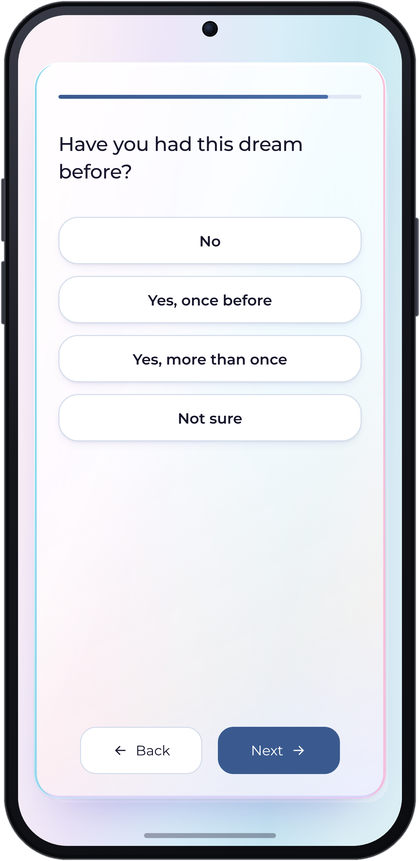
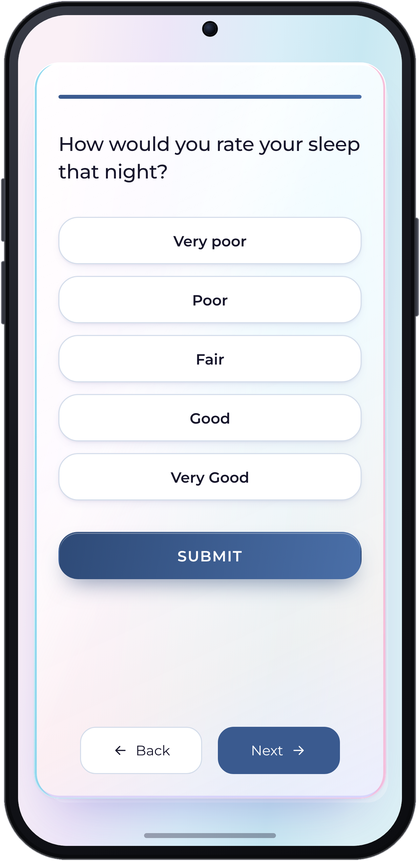
- What features should such an app have to make your dream work and analysis easier? (For example, questions that guide the client to describe the dream in more detail: mood before the dream, feelings on waking, key people or symbols.)
What I Learned
Based on the survey results, I set the must-have features around four ideas:
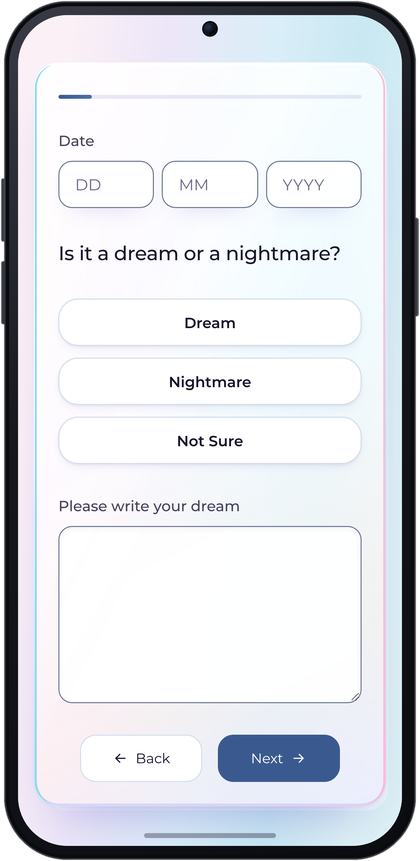
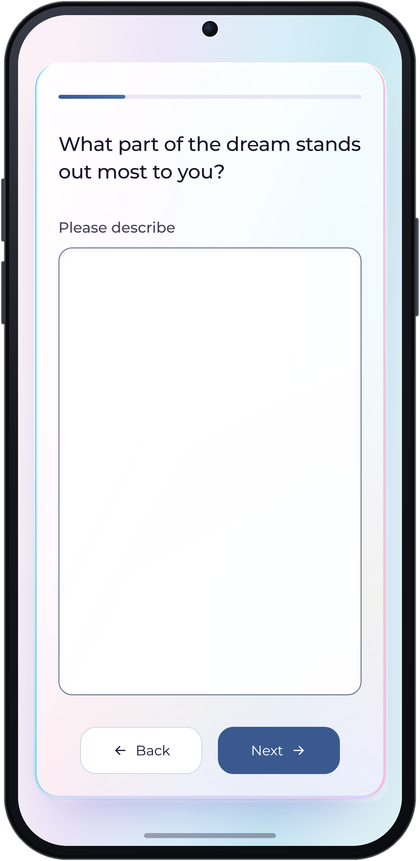
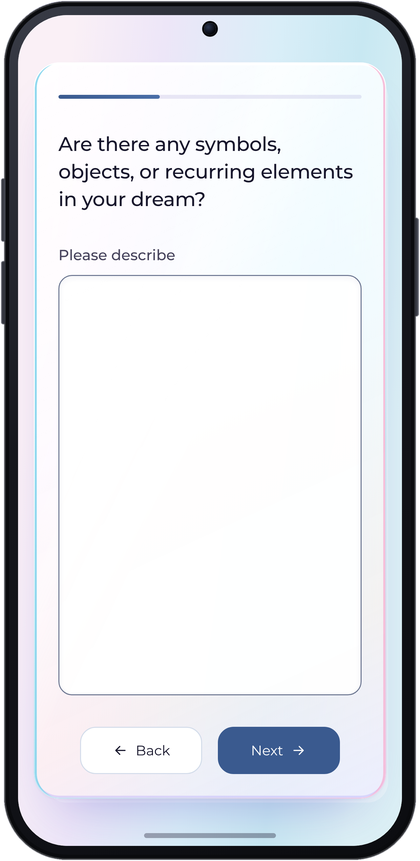
- If patients are guided by short questions instead of a blank page, then they will recall more of the dream.
- If the questions ask for the details specialists need, then they get captured even when patients would skip them.
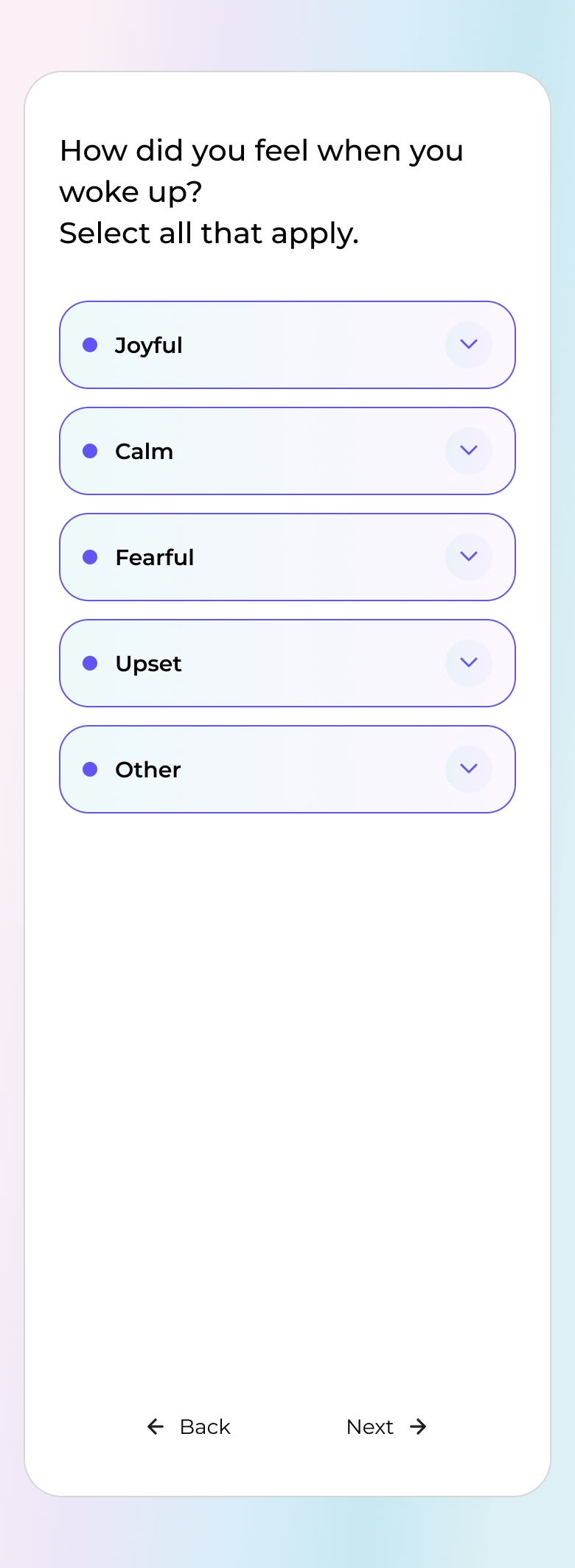
- If emotions and themes are chosen from predefined tags, then entries become consistent and comparable across patients.
- If every entry is stored in one organised, searchable system, then specialists spend less time sorting data and make fewer errors.
Usability Test Tasks
01
Onboarding
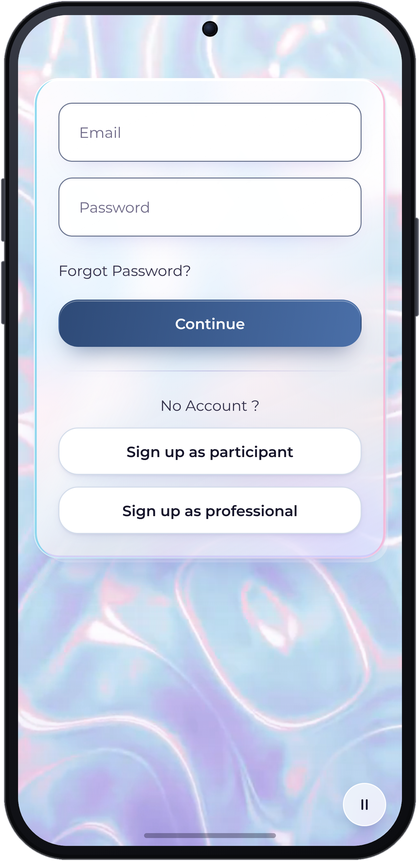
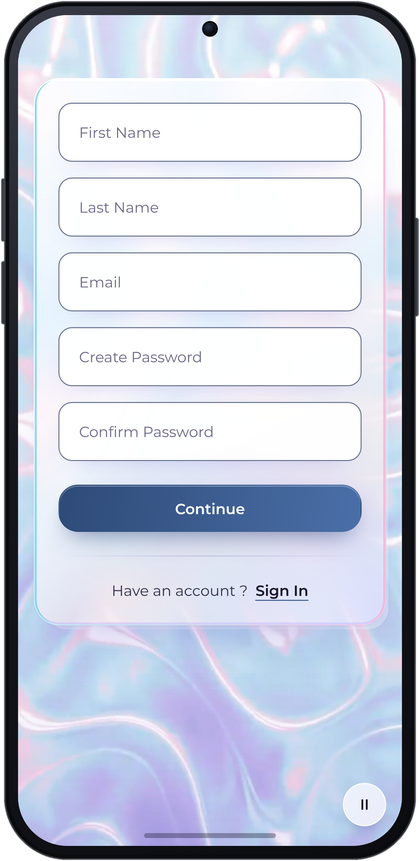
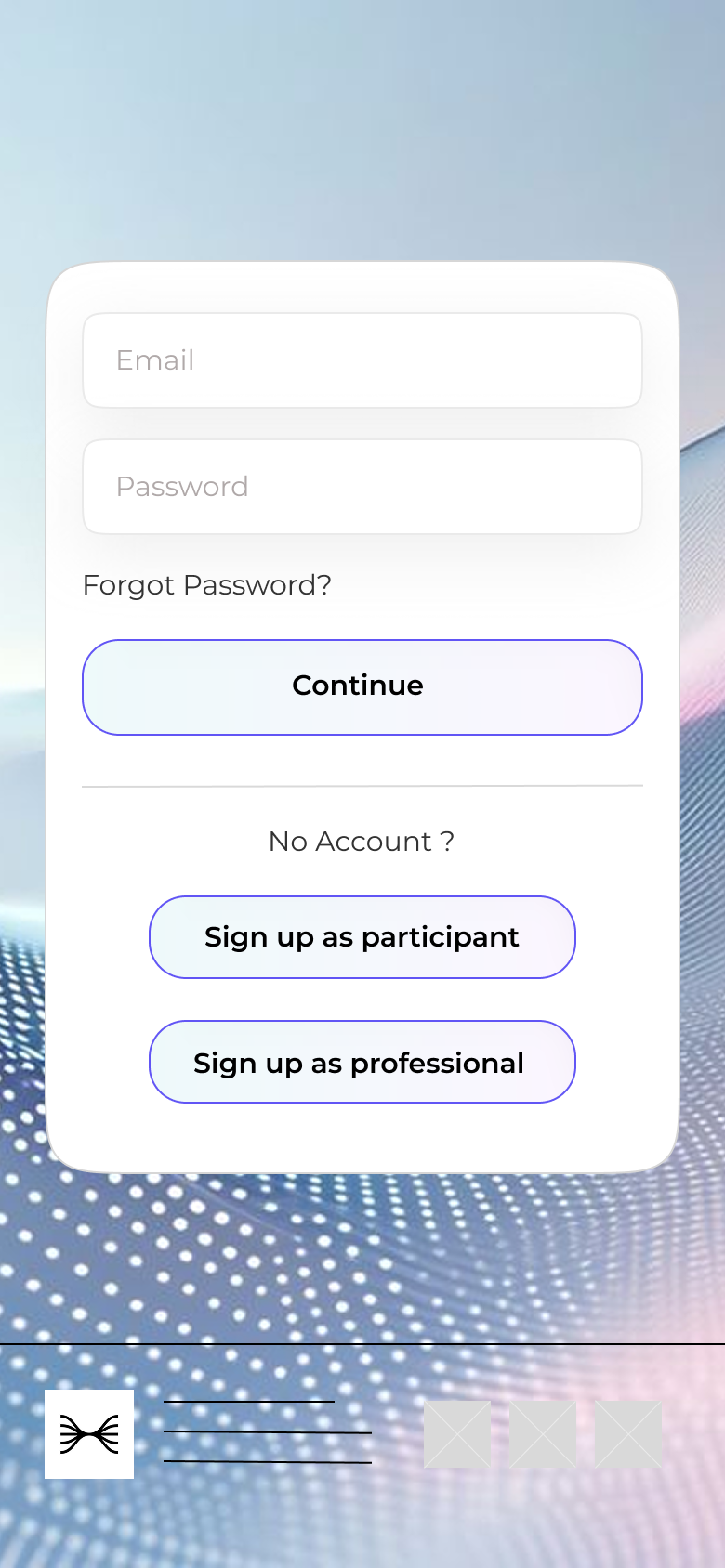
- 1.1Sign up as a participant
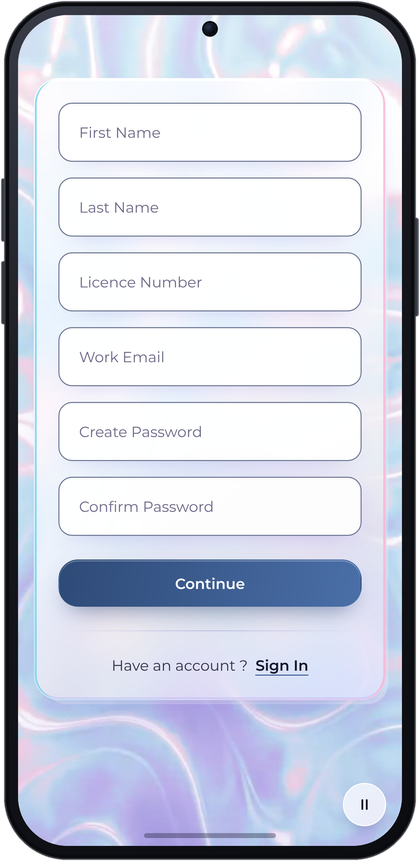
- 1.2Sign up as a professional
02
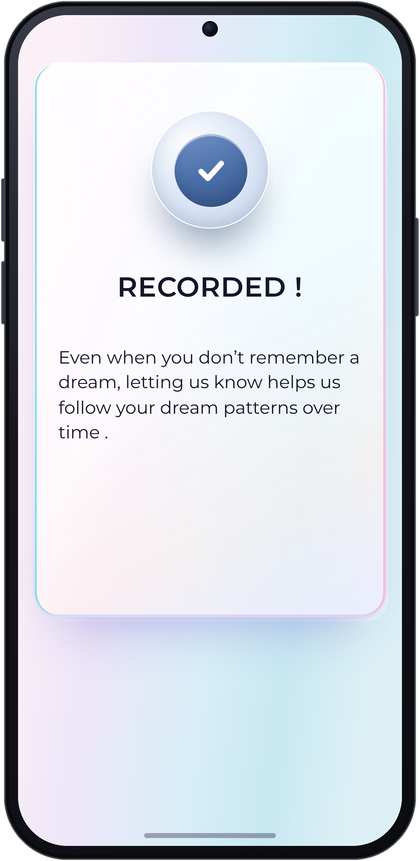
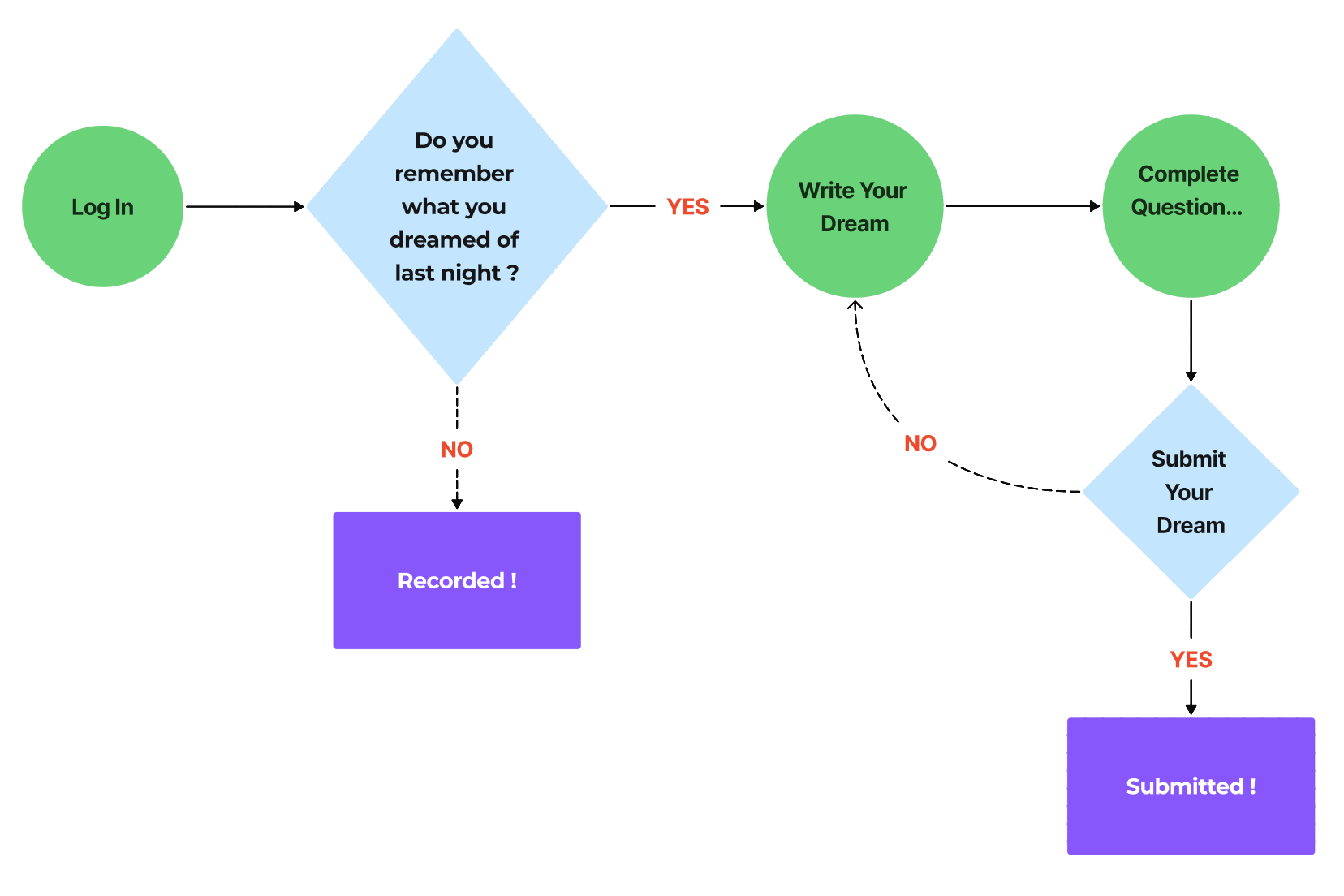
“I forgot my dream”
- 2.1Submit the dream entry form
03
Dream submission
- 3.1Describe your dream in the text field
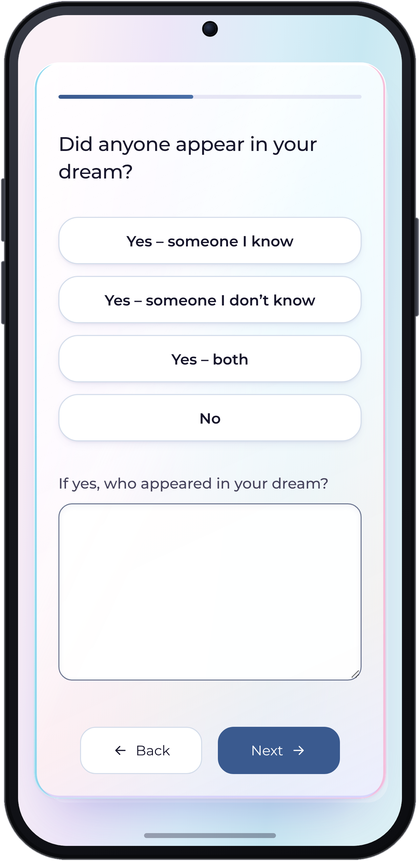
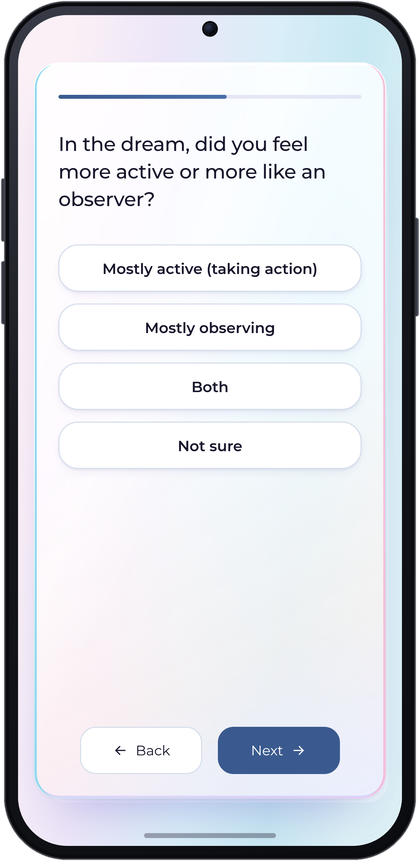
- 3.2Follow the instructions and complete the questionnaire
04
Profile & dreams
- 4.1Go to your profile
- 4.2Find your previously recorded dreams
- 4.3Delete one of your saved dreams
Findings
01
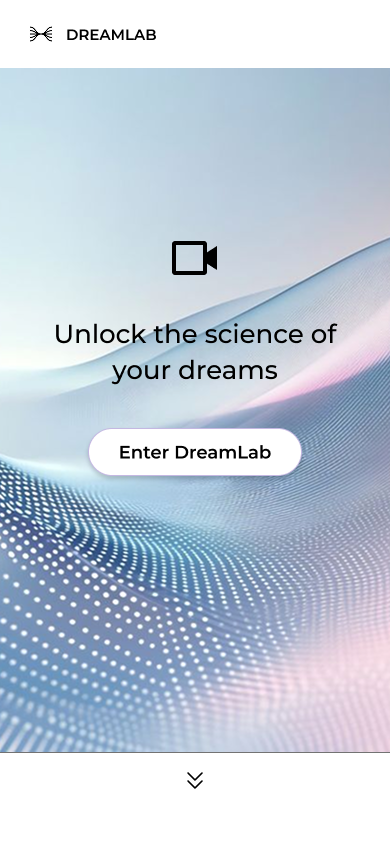
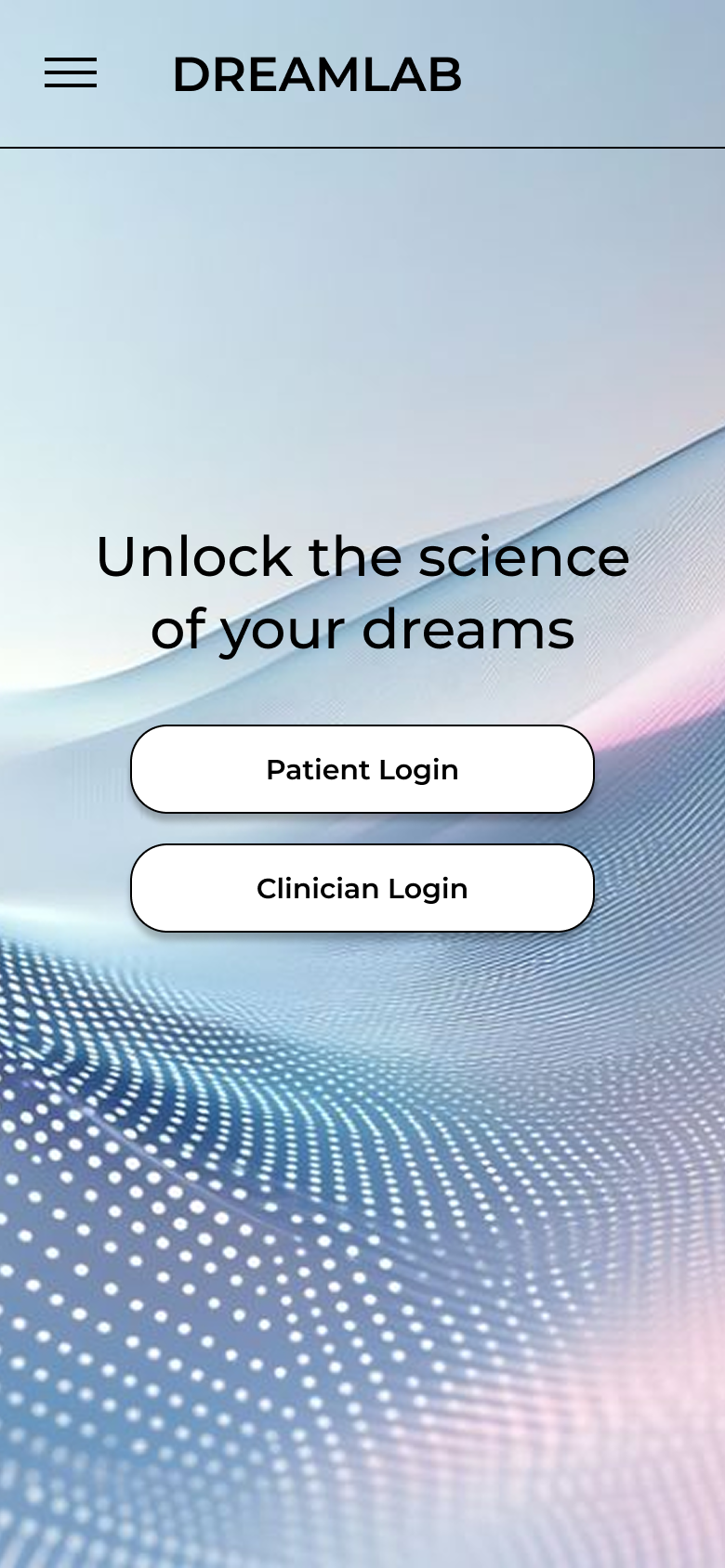
An extra login step slowed everyone down.
Users went through a repeated login step when entering Dreamlab.
02
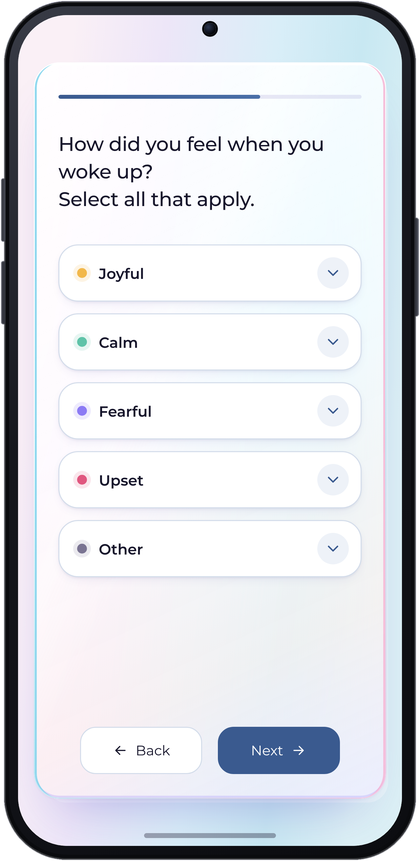
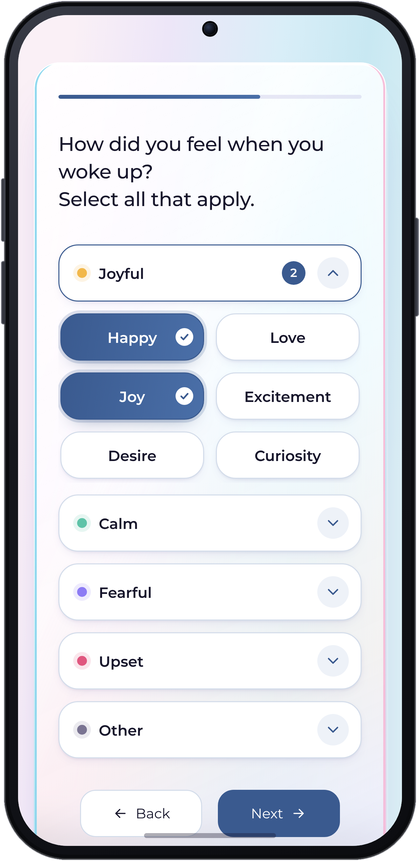
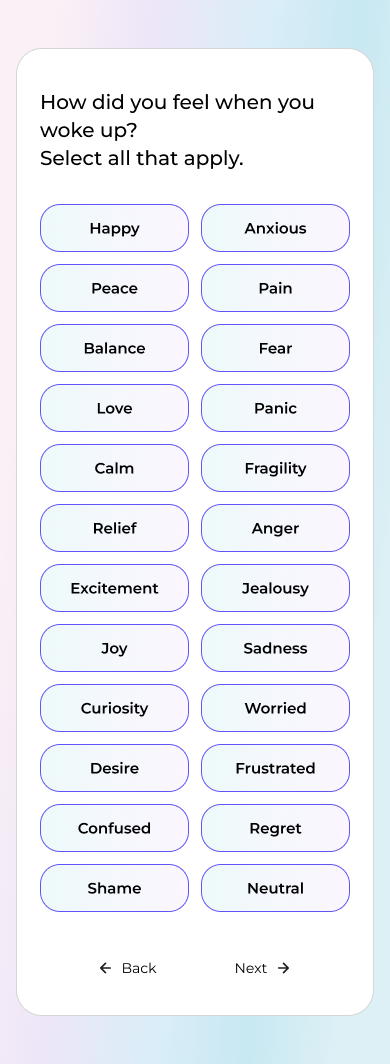
Too many emotion tags.
Users felt overwhelmed by the number of emotion tags.
03
Nobody could find Edit.
Users struggled to find the Edit and Delete actions for their dreams.
Changes After Testing
01
Login: Allowed direct access to Dreamlab by removing an extra step from the login flow.
02
Emotion tags: Grouped the emotion tags under main categories with dropdowns.
Design process
Look & Feel
Futuristic, calm, clear.
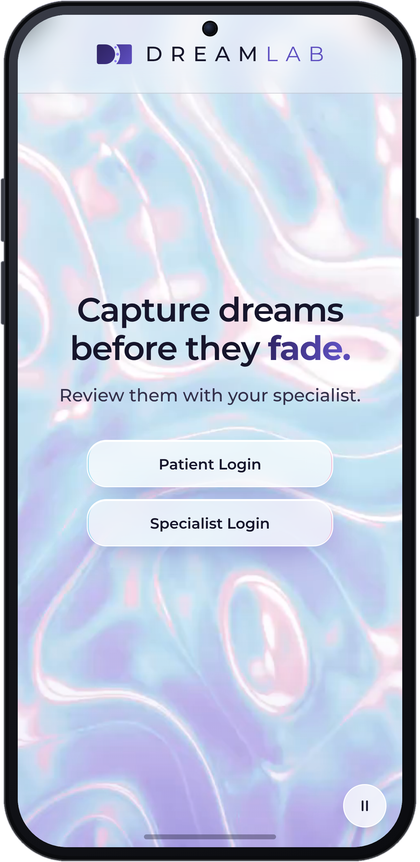
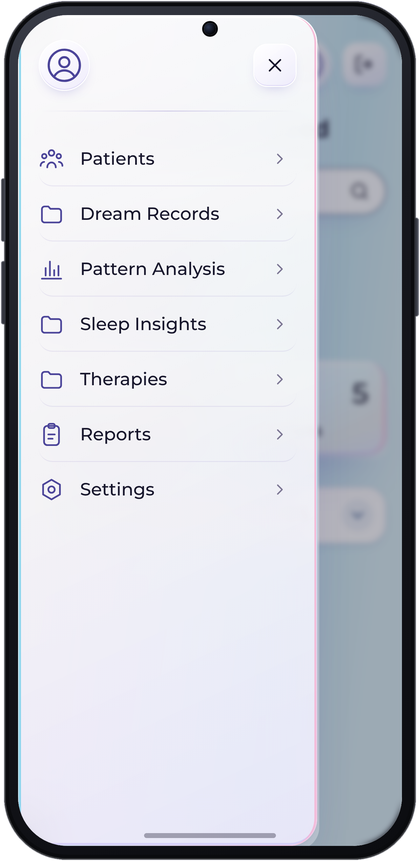
Semi-transparent layers, glass cards and soft light play. Gradients blend ice blue into lavender for an iridescent, slightly dreamlike feel.






Information Architecture
Wireframes
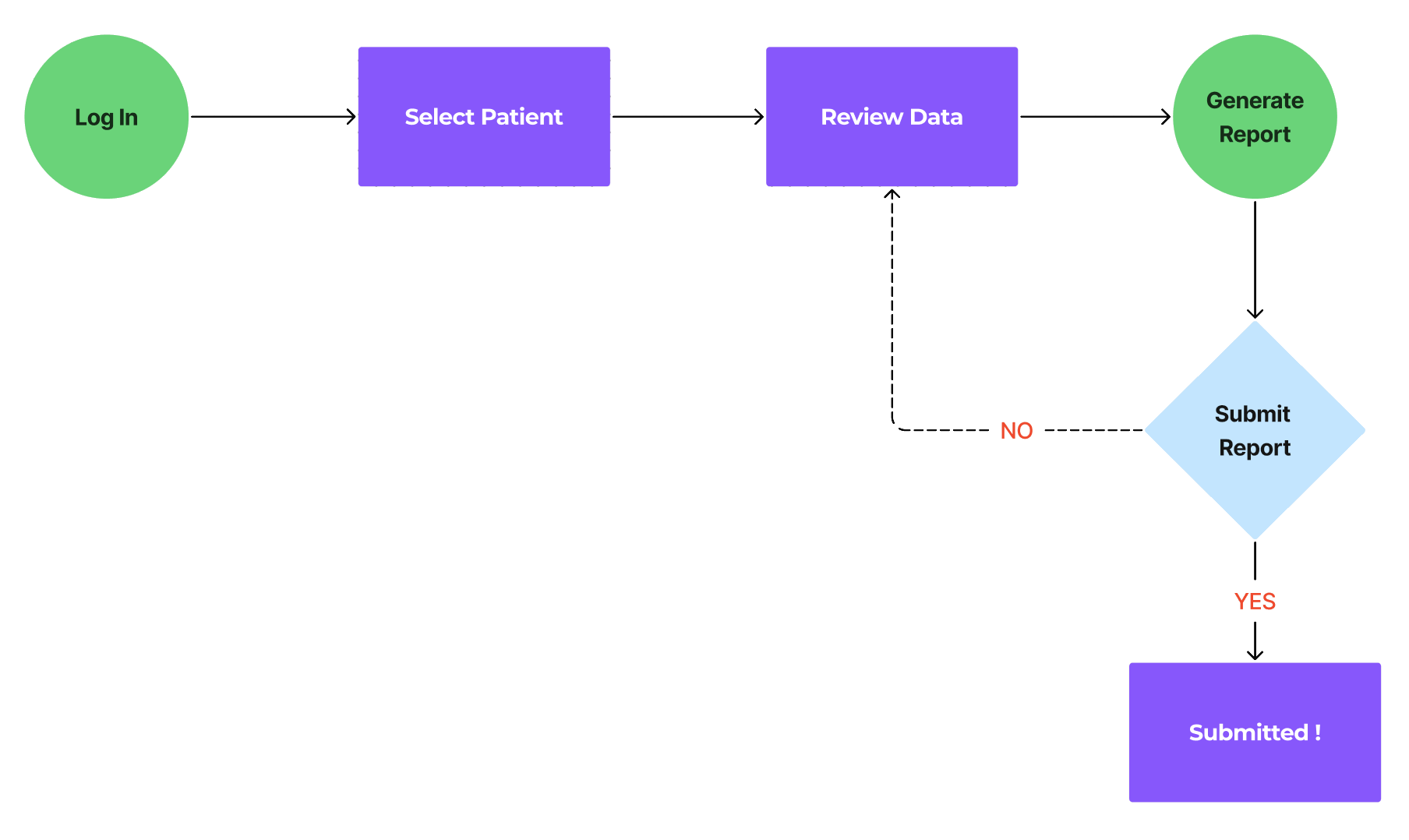
 Open the patient flow at full size
Patient Flow
Specialist Flow
Iterations
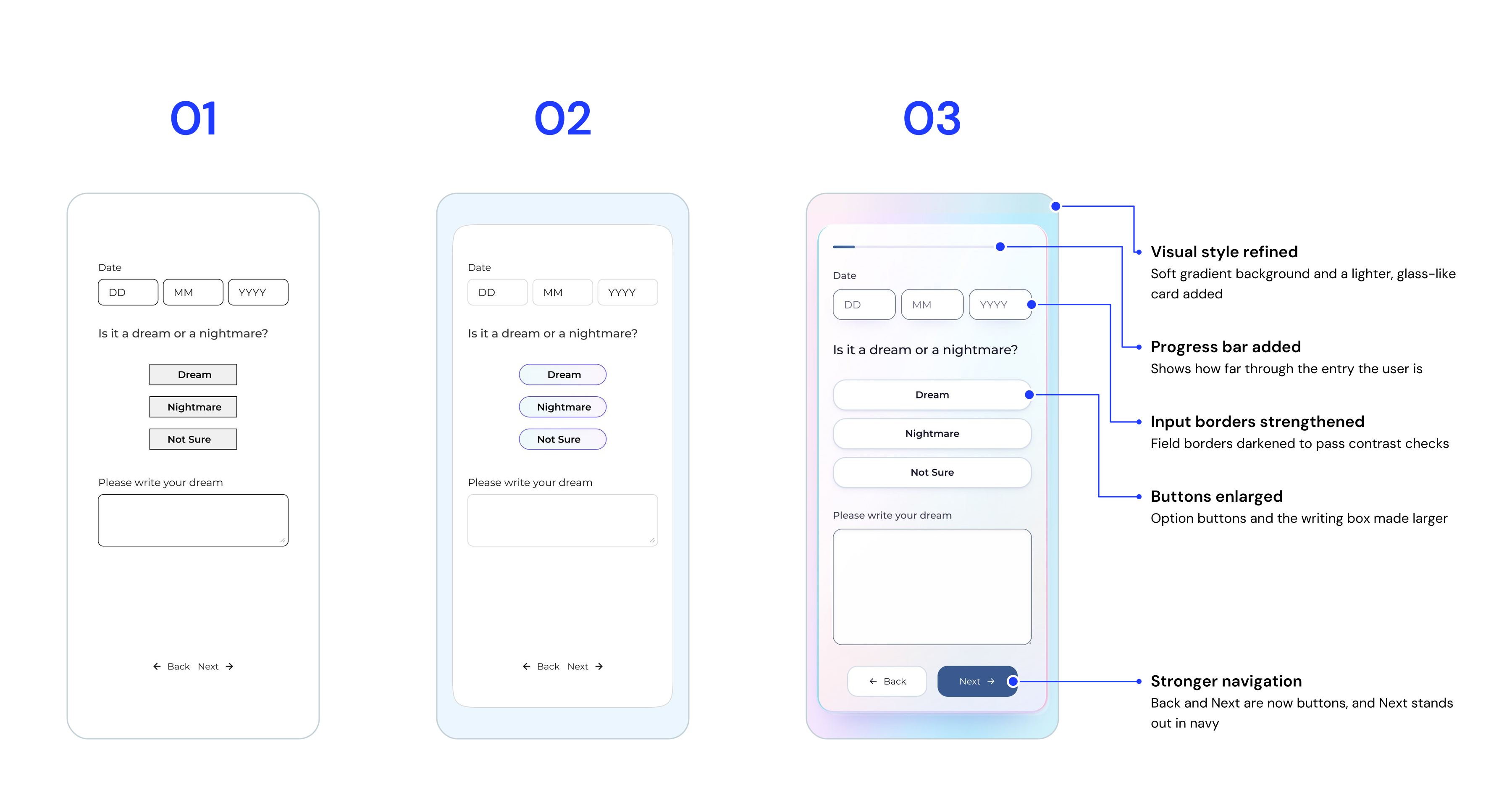 Open the iterations at full size
Development
From clickable prototype to working app
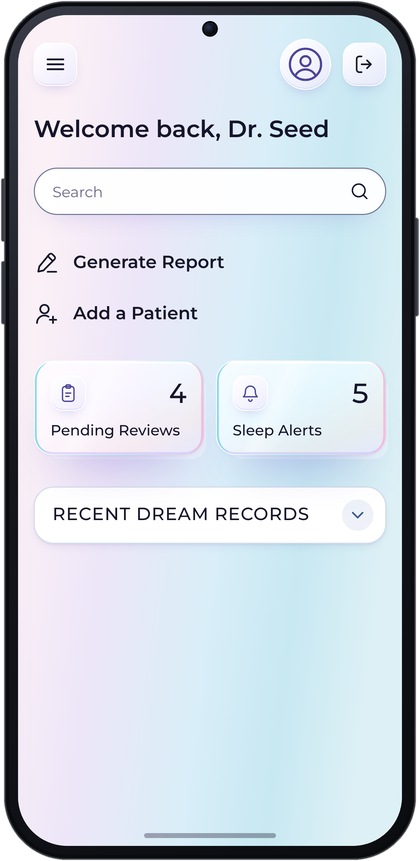
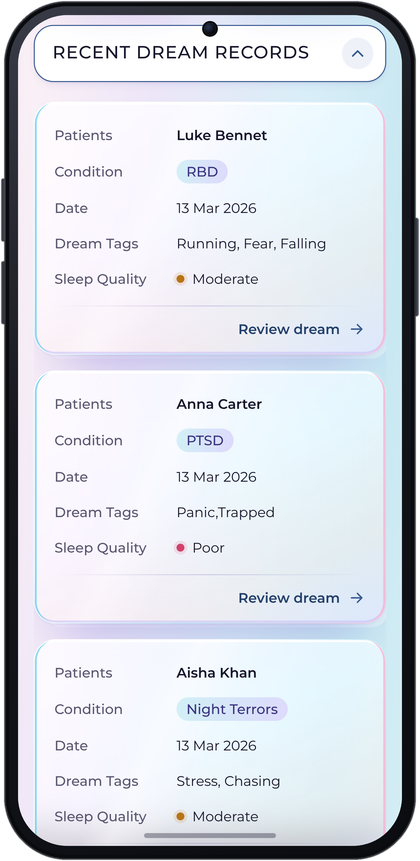
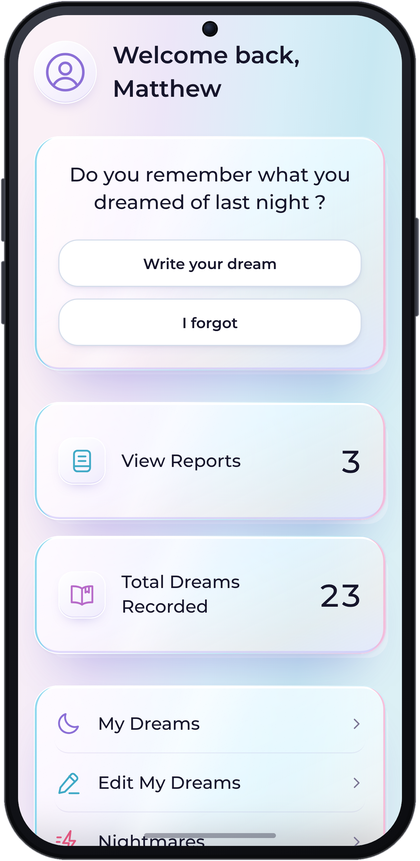
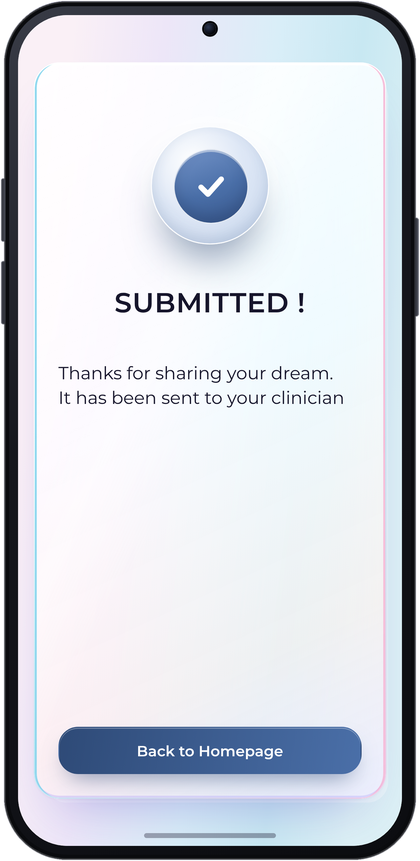
After testing the prototype, I built Dreamlab as a full-stack web app: HTML, CSS and JavaScript on the front end, Python and Flask on the back end, and a MySQL database. The screens on this page are my mobile designs; the working build was developed for desktop.
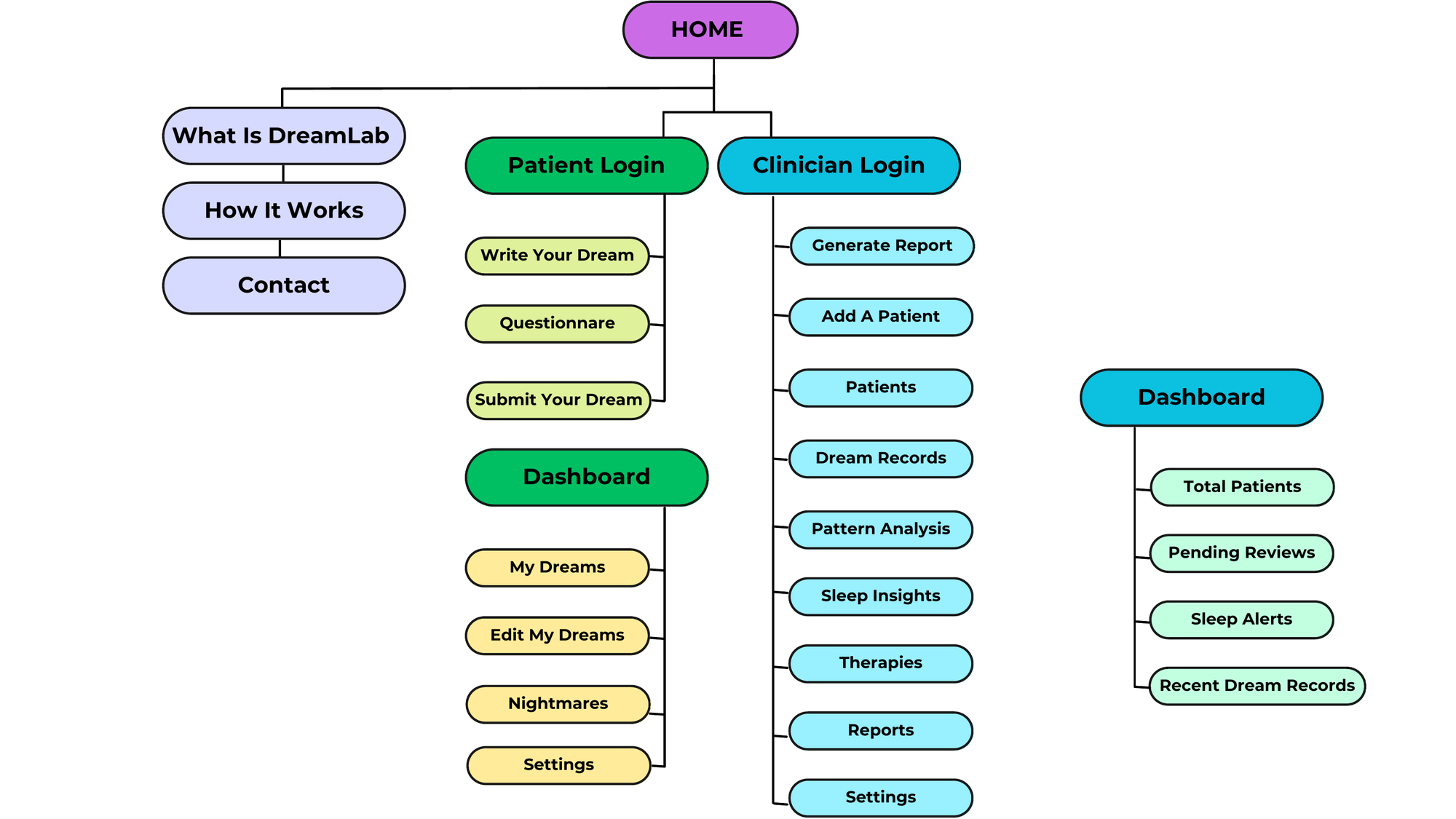
One login, two dashboards. The app checks each user's role at sign-in and opens the right dashboard. Patients can write entries, look back through their dreams and nightmares, and follow their mood and sleep trends in charts. Specialists have their own dashboard for patients and reports.
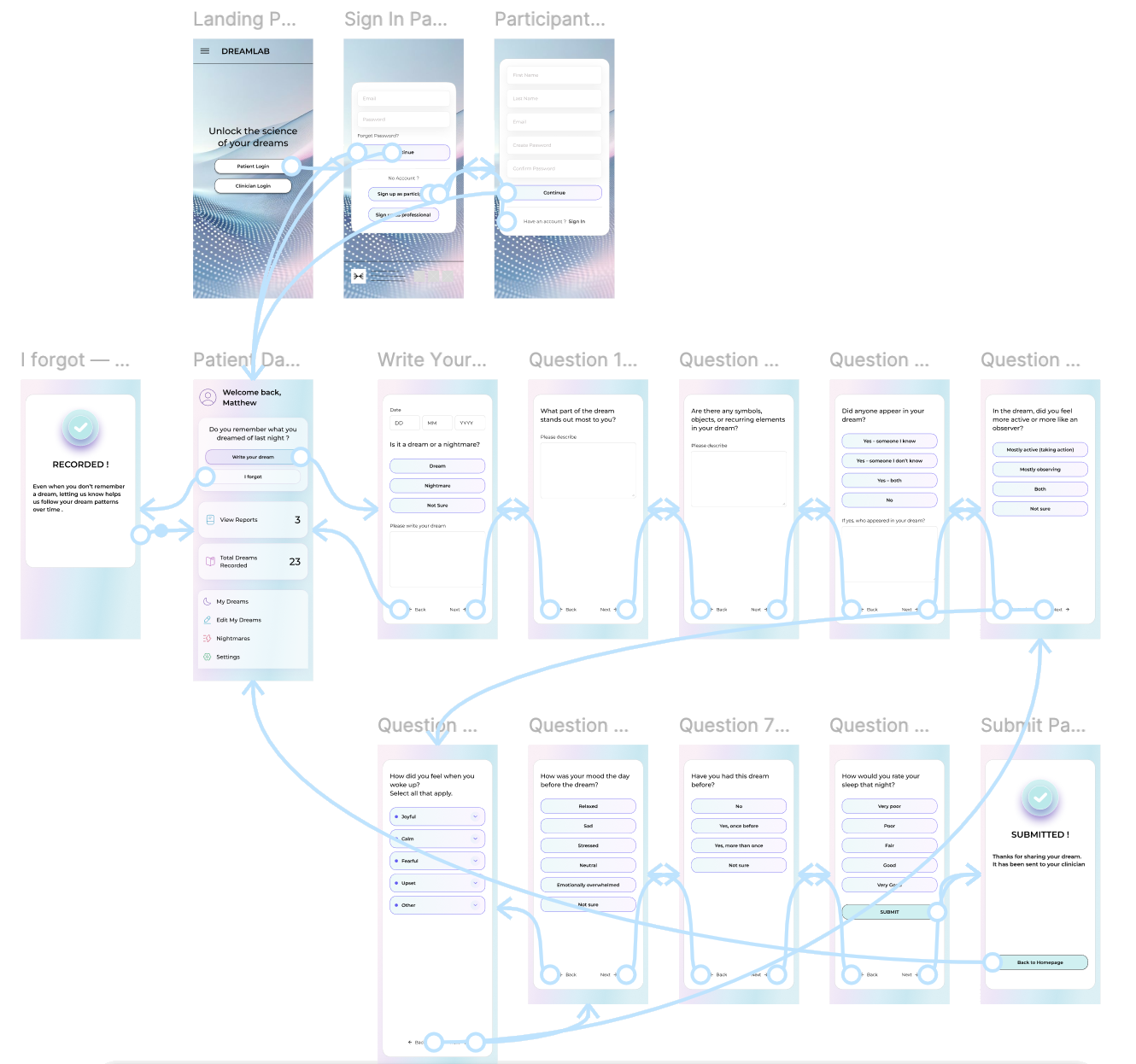
A live database. Every entry is saved to MySQL. Patients can create, view, edit and delete their dreams and nightmares, and answers from the eight question screens are only saved when they submit.
Next steps. Dreamlab is an academic prototype, not a clinical product. A real version would need stronger data protection and access control, compliance with UK GDPR and NHS standards, testing with real users, and a responsive build for mobile.
- HTML
- CSS
- JavaScript
- Python
- Flask
- Jinja2
- MySQL
- Chart.js
- Git
- GitHub
Final product