I used to design sets for films.
Now I design screens for people.
Selected work
WaitWell
UX/UI Design UX Research
Work
Case studies
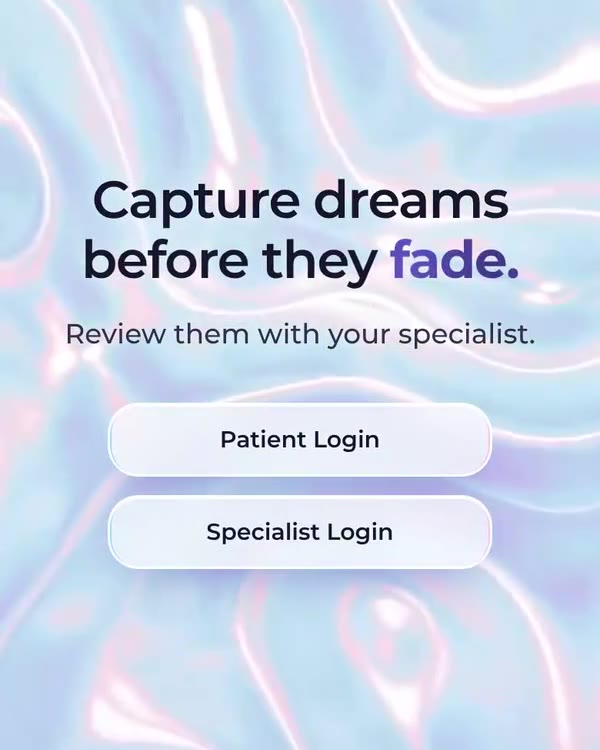
Live NHS A&E care tracking Case study WaitWell Clinical dream tracking. Case study Dreamlab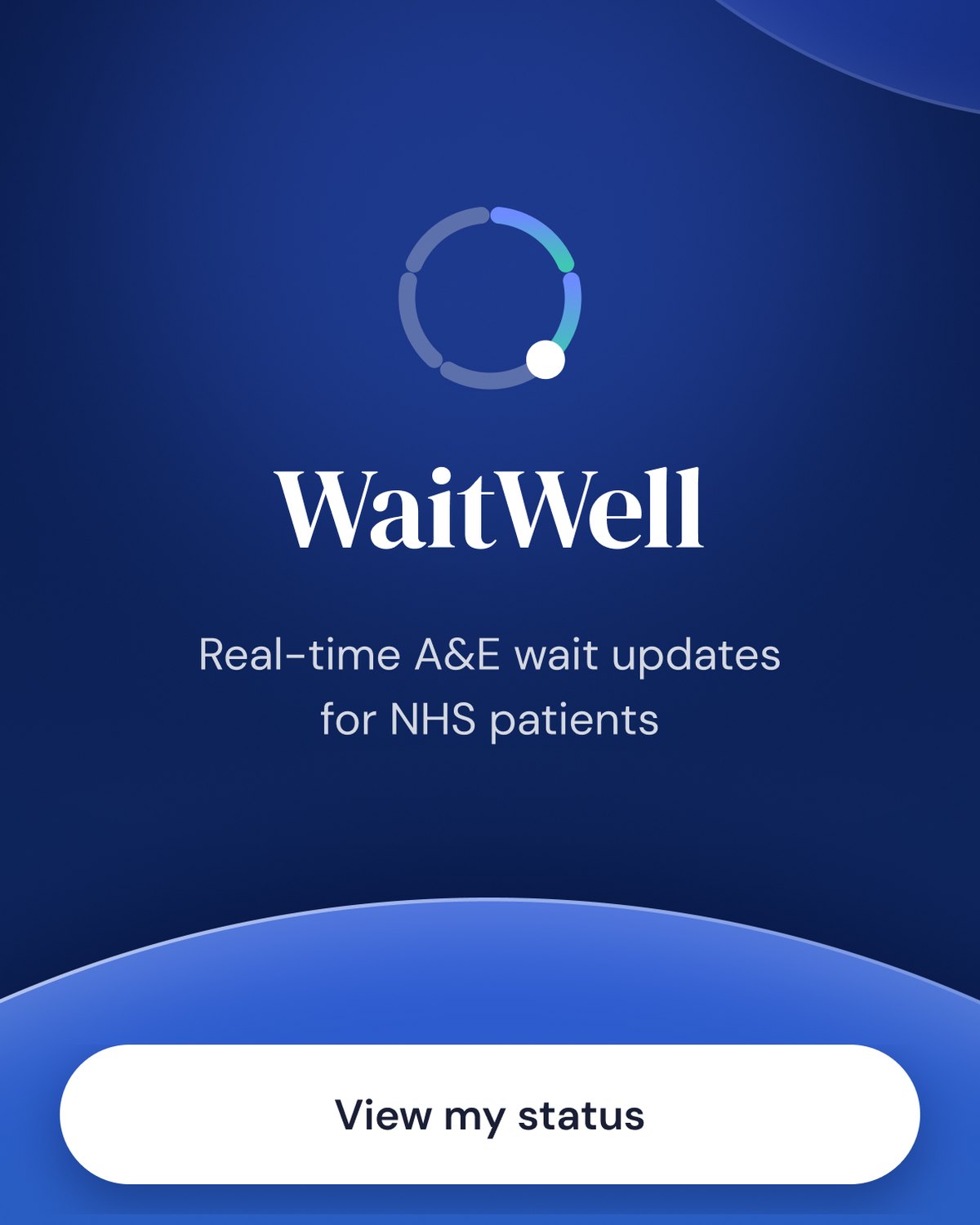
My story
Before moving into UX/UI, I spent ten years working across film, fashion and advertising, sourcing, styling and designing for different creative projects. It was a world I loved, and one that taught me to think visually, solve problems and bring ideas to life.
But there was something I kept coming back to. So much of what I created was temporary, often centred around entertainment and consumption. Once a shoot was over, sets were dismantled, materials were cleared away and the work became a memory.
I started thinking about what it would mean to create something more lasting, something people return to, use as part of their everyday lives, and that ultimately makes their lives a little easier. That curiosity eventually led me to UX/UI design.
Curious first.
Designer second.
I've always been fascinated by what drives people's decisions, why we choose one thing over another, what influences our behaviour and what's going on in our minds when we make those choices.
As a kid, I used to make random little surveys for family and friends, just for fun. Looking back, it was the researcher in me.
What I bring
-
Professional experience
Ten years in production taught me how the professional world works. I've worked with clients, managed deadlines, collaborated with crews, teams and stakeholders, and taken projects from the first brief to final delivery.
-
Visual thinking
Years in Art Direction and Set Design have given me a strong eye for composition, colour, typography and visual communication.
-
Build
I'm a designer who codes. Currently studying Web Development, I'm building my understanding of both front-end and back-end development, learning how things work behind the interfaces.
-
Storytelling
Coming from a film background, I've developed an instinct for how people connect with stories and how to communicate ideas visually.
-
Problem solving
Working across different mediums, I've had to adapt to all kinds of briefs, unexpected challenges and changing priorities.
Education and skills
Education
- SAE Institute London BA/BSc (Hons) Web Development London, UK Ongoing
- Google UX Design Certificate Coursera Ongoing
- The Skills Network Level 3, Digital Marketing Completed
- Mimar Sinan Fine Arts University BA, Film & TV Istanbul, Turkey Completed
Design
- UX research
- Competitor analysis
- Personas
- Empathy maps
- User journeys
- User flows
- Information architecture
- Sketching
- Storyboarding
- Wireframing
- Prototyping
- UI design
- Design systems
Build
- HTML
- CSS
- JavaScript
- Python
- Flask
- MySQL
- GitHub
Tools
- Figma
- Claude
- VS Code
- Canva
- Miro
- InDesign
- SketchUp
How I work with AI
I use an AI-assisted design and prototyping workflow to iterate fast and refine my work. I mostly tinker with Claude Design, Figma MCP and Figma Make. Then I build the designs with the Claude Code extension in VS Code, so I can see how they behave, not just how they look.
My prompting techniques include the CO-STAR framework, the CREATE framework, RTF (Role, Task, Format) and meta prompting.
Alongside these, this is my essential prompt checklist:
- Stack and versions (e.g. PHP 8, Bootstrap 5)
- Constraints (e.g. mobile-first, accessible, no inline styles)
- Output format: files, comments, explanations
- Security requirements: prepared statements, escaped output
- Ask it to explain its choices
- Ask for a plan first, and approve it before any code is written
- Give it a visual reference, not just words
AI tools I use
- Claude
- Claude Code
- Figma Make
- ChatGPT
- Gemini
- Cursor